
New feature
Workouts AI
Programming is where the real work of coaching lives; it’s also where hours quietly disappear. Every new client means a fresh plan. Every check-in means progressions, swaps, and tweaks. And when you’re managing twenty, thirty, or a hundred clients, the admin can stack up fast.
Workouts AI is our brand new feature which has been built to give that time back. Instead of building every session block by block, you describe what you want in plain language (or drop in an image of a plan you already have), and Workouts AI generates a structured, editable workout in seconds. You stay fully in control; the AI just removes the repetitive lifting.
Read on to learn what Workouts AI actually does, how it fits into your day-to-day coaching, and how to get the most out of it without losing the personal touch that keeps clients with you.
What is Workouts AI?
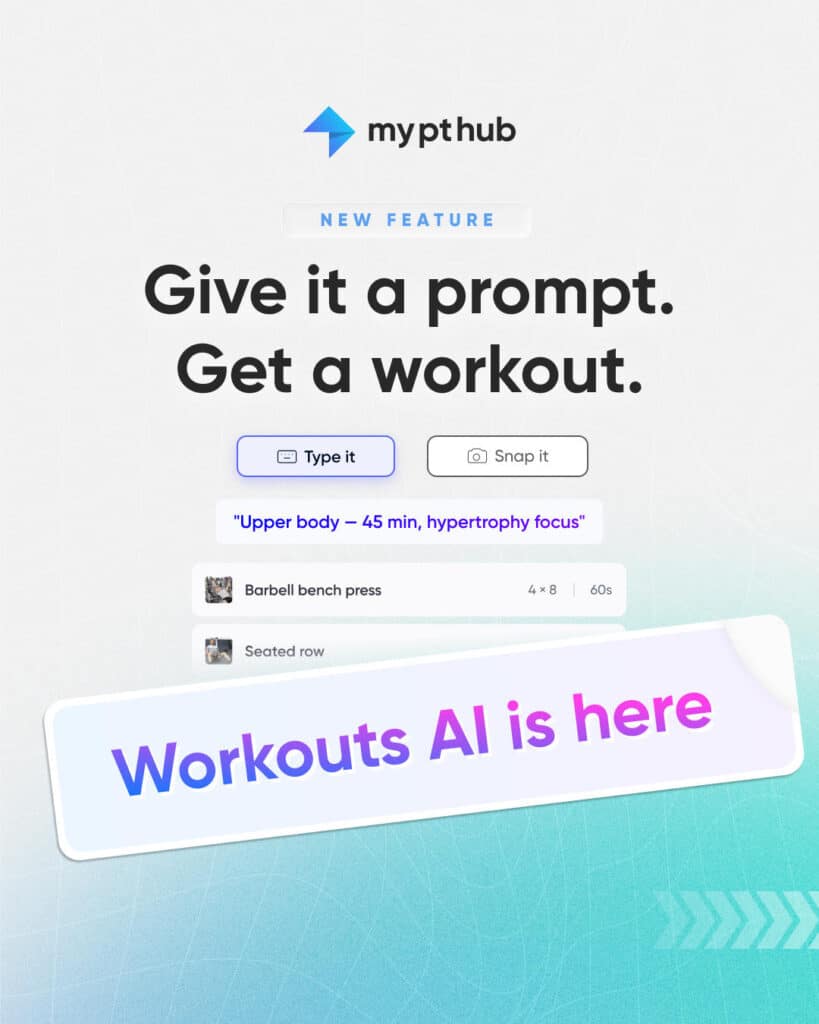
Workouts AI is a new feature inside My PT Hub that turns a written or visual prompt into a fully built workout. You tell it what you’re after (e.g. a lower-body hypertrophy day, a 30-minute hotel-room session or a beginner full-body circuit), and it assembles the exercises, sets, reps, and structure for you.
Crucially, Workouts AI isn’t a black box that spits out a finished plan you can’t touch. Everything it produces lands inside the same workout builder you already use, so every exercise, set, and rep is yours to adjust (manually or using the AI itself). Think of more as a very fast coaching assistant that does the first draft for you, leaving you to apply the judgment only a coach can bring.
Build workouts from text or image prompts
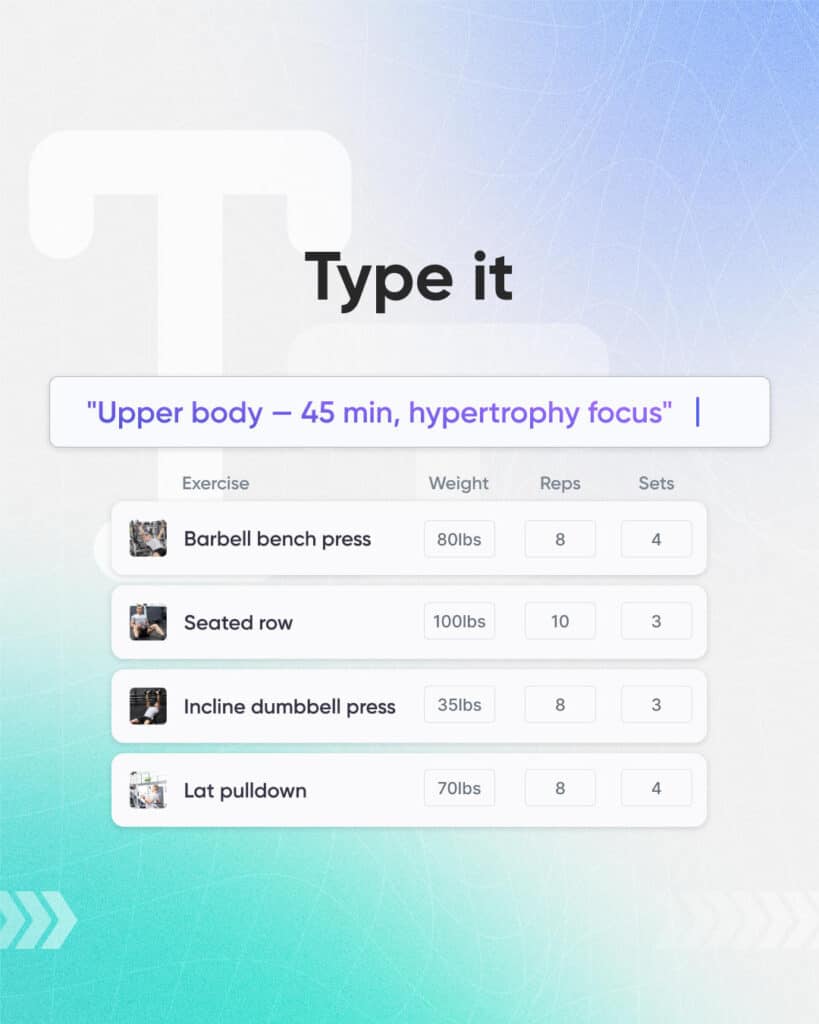
The starting point is a prompt. You can type exactly what you want in normal language: “Push day for an intermediate lifter, 45 minutes, dumbbells and a bench only.” Workouts AI reads that and builds a session that fits the equipment, level, and time you specified.
You can also build from an image. If you’ve got a plan written on a whiteboard, a screenshot from an old spreadsheet, or a photo of a program a client brings in from a previous coach, drop the image in and let the AI convert it into a structured, editable workout inside My PT Hub. That’s a massive time-saver if you’re migrating existing clients or digitizing years of paper-based programming.
Both routes land in the same place: a real, editable workout you can assign straight to a client or refine first.
Program up to 10x faster
The headline benefit is speed. Building a detailed session manually, choosing each exercise, setting reps and rest, ordering the blocks, can take fifteen or twenty minutes when you’re being thorough. Multiply that across a full client roster and a week’s worth of programming and it’s easy to see where your evenings go.
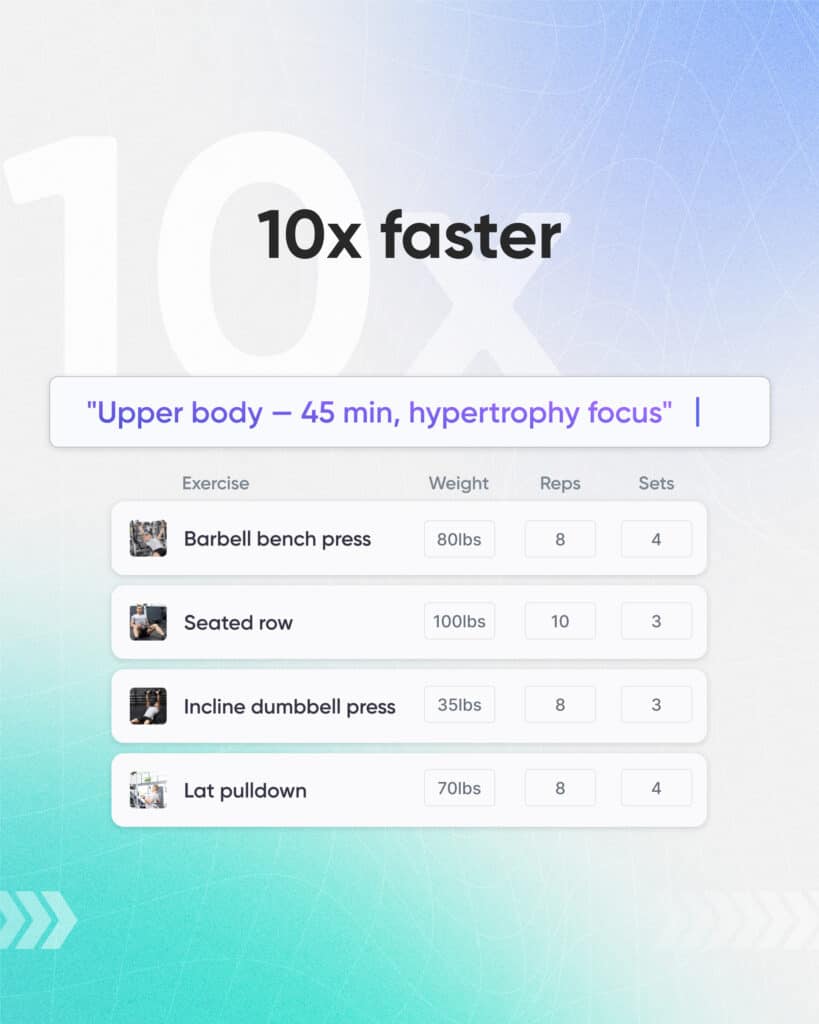
Workouts AI can produce that same first draft in seconds, up to 10x faster than building it by hand. The value isn’t just the minutes saved on any single workout; it’s what those minutes add up to. Faster programming means you can take on more clients without your admin load ballooning, or simply reclaim time for coaching, content, and the parts of the business you actually enjoy.
Tweak on the fly with the conversational builder
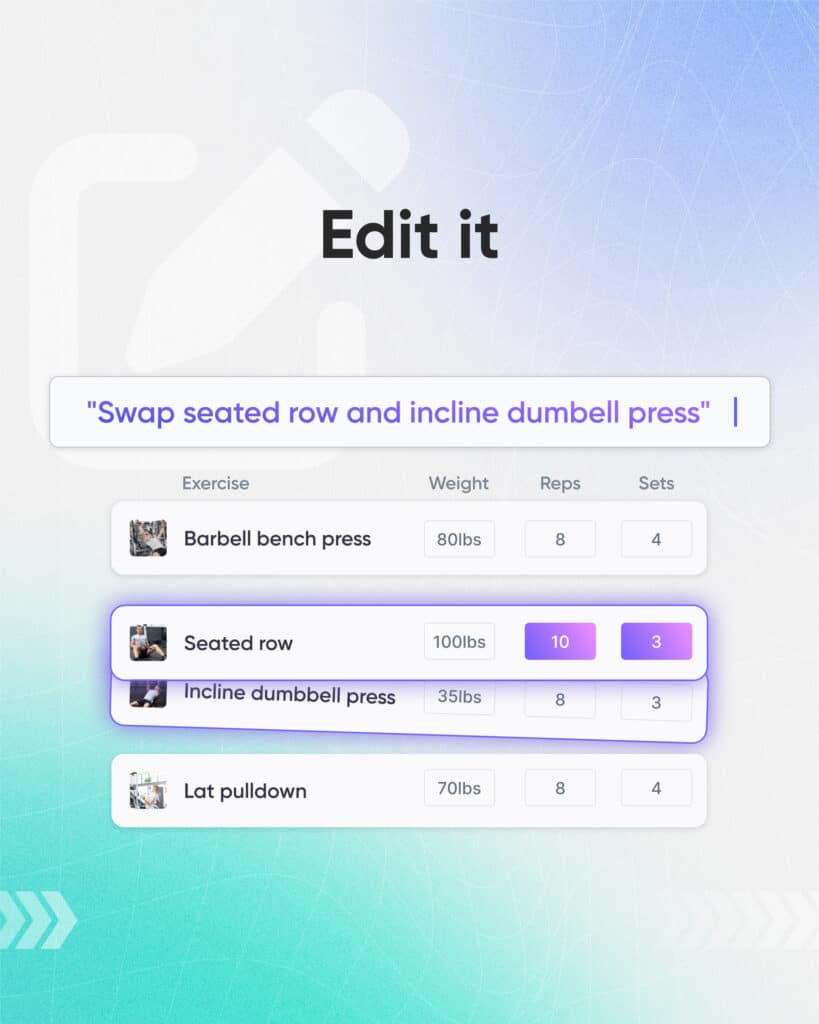
A first draft is rarely the final answer, and that’s the point. Our conversational builder lets you refine the workout by simply telling it what to change, the same way you’d brief a training partner.
Want to swap barbell squats for a hack squat because your client’s got a niggle? Say so. Need to add a finisher, cut the session to 30 minutes, or bump the intensity for someone who’s progressing quickly? Ask, and the workout updates. No digging through menus or rebuilding from scratch; just a couple of lines of text and you’ve got the perfect workout in a fraction of the time.
This is where Workouts AI earns its keep for experienced coaches. AI handles the mechanical rebuilding while you make the calls that matter.
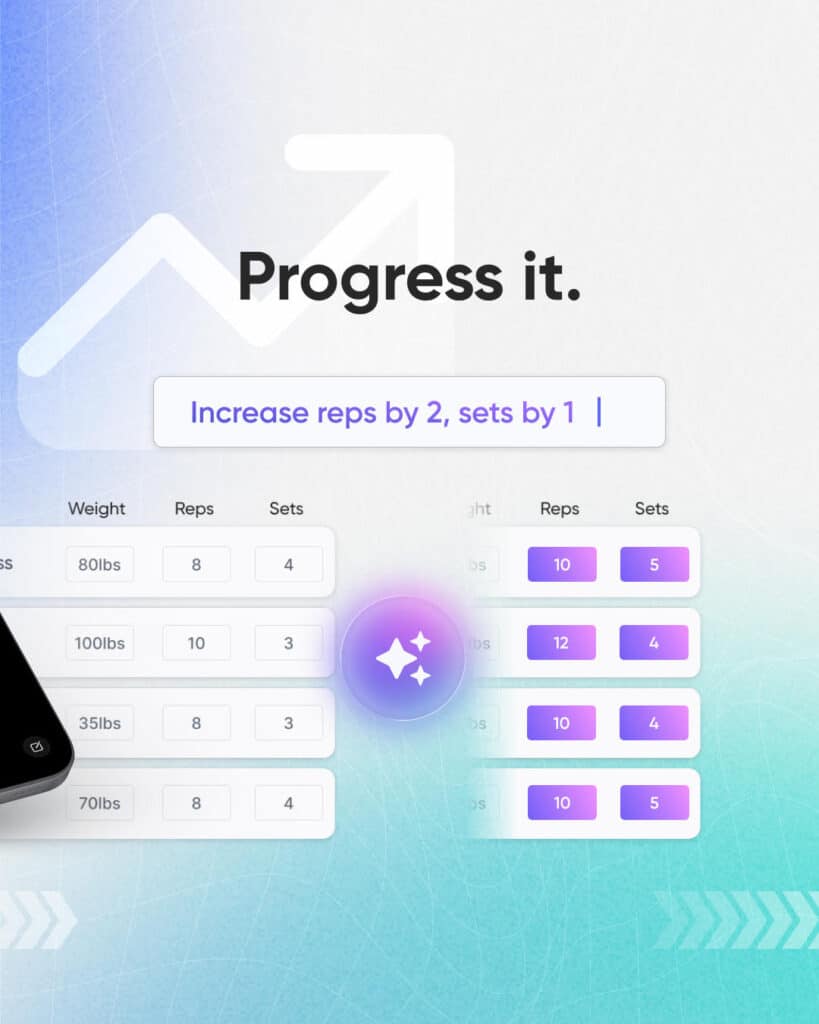
Edit assigned workouts with AI for easy progressive overload
Progressive overload is the backbone of results, but applying it across a full roster is one of the more tedious jobs in coaching. Adding a set here, nudging the load there, and adjusting rep ranges week over week is exactly the kind of repetitive task that eats time.
Workouts AI lets you edit workouts you’ve already assigned. You can take your client’s last session and ask the AI to progress it, adding volume, increasing intensity, or evolving the exercise selection, without rebuilding the whole thing. Furthermore, our AI can read your clients’ exercise history and personal bests, so it can progress their training based on what they’ve actually lifted, making it even easier to keep progression accurate and individual to each client.
This makes structured, consistent progression far easier to deliver at scale, so every client keeps moving forward instead of stalling on a plan that never changes.
How to write prompts that get better results
The quality of what you get out of Workouts AI tracks closely with the quality of what you put in. A few habits make a real difference:
Be specific about constraints
Include the client’s level, the time available, and the equipment on hand. “Full body” is vague; “Full-body beginner session, 40 minutes, resistance bands and one kettlebell” gives the AI what it needs to build something usable.
Name the goal
Hypertrophy, strength, fat loss, conditioning, and general fitness all lead to different structures. Say which one you’re after so the sets, reps, and rest align with the outcome.
Flag limitations up front
If your client has a dodgy shoulder or can’t do overhead work, put it in the prompt. It’s faster to specify constraints once than to fix a dozen unsuitable exercises afterward.
Iterate rather than restart
If the first draft isn’t quite there, use the conversational builder to adjust it rather than starting over. Small tweaks get you to the finished session quicker than rewriting the whole prompt.
Keeping your programming personal
A fair question with any AI tool is whether it flattens what makes your coaching yours. The answer comes down to how you use it. Workouts AI is at its best as a starting point, not the final word.
Let it handle the structural first draft, then layer on the things that make a plan feel personal: the exercise a client loves, the cue that finally made a lift click for them, the deliberate progression you know suits their history. Clients aren’t paying for a workout they could find online themselves; they’re paying for your judgment, accountability, and attention. Used well, Workouts AI clears the admin so you’ve got more of yourself to give to exactly that.
Getting started
Workouts AI sits inside the My PT Hub workout builder, so if you’re already programming in the platform, you’re moments away from trying it. Start with a single client, write a clear prompt, and see how close the first draft gets. Then use the conversational builder to fine-tune, assign it, and let the AI help you handle progression in the coming weeks.