

Personal trainer app with wearable integration
All of your clients'
health data, in one place
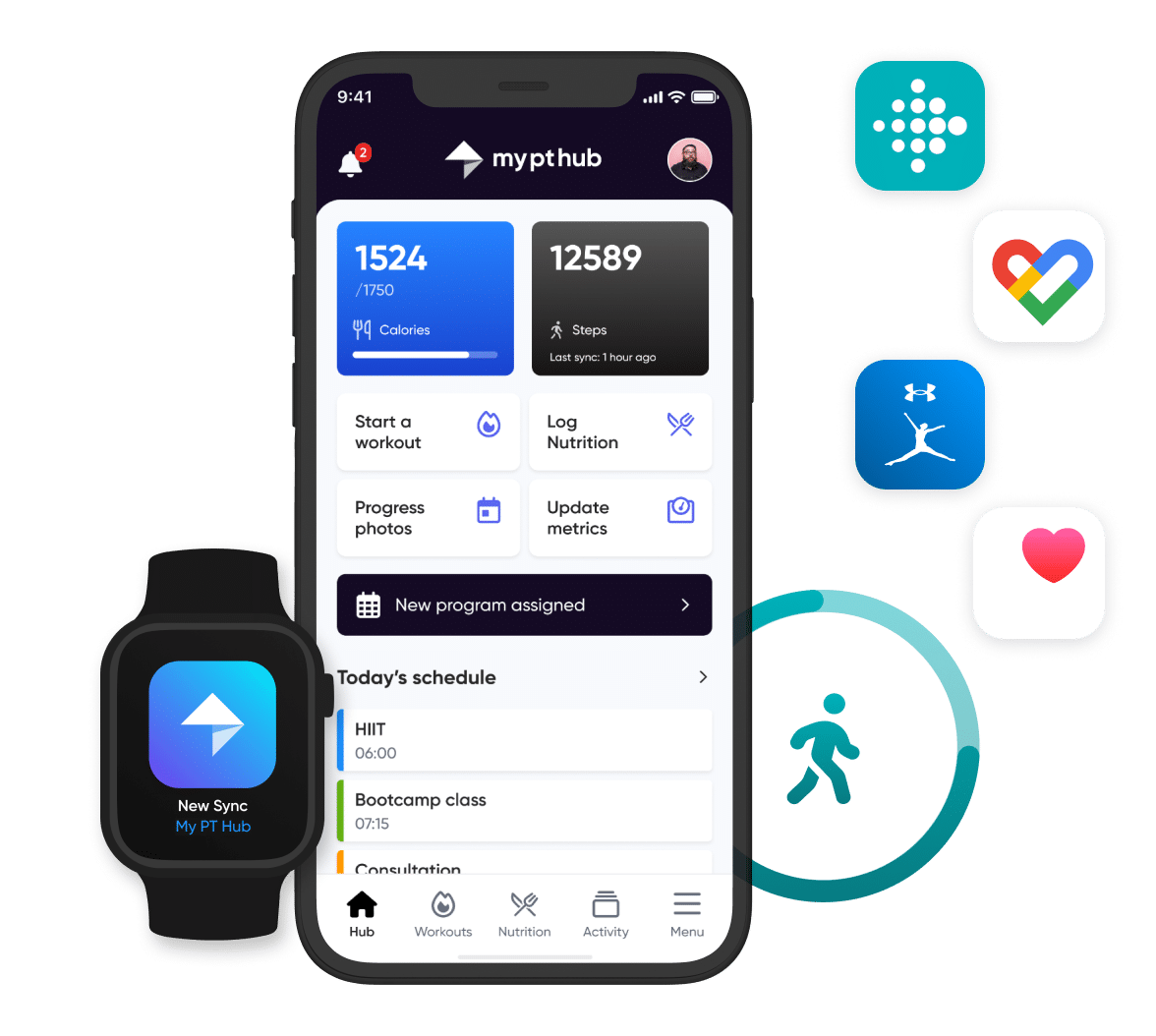
Connect Apple Watch, Fitbit, Google Fit, Apple Health, MyFitnessPal & more to your My PT Hub account. See every step, sleep session and calorie your clients track.
Please enter a valid email address.
- Unlimited clients
- 30-day free trial
- No card details required
Coach smarter with real-time wearable data
Stop guessing. Start coaching with data. My PT Hub’s wearable integration pulls your clients’ health metrics directly into your dashboard, so you can make faster, more confident coaching decisions.
Real-time tracking
Maximise in-session client performance using insights from real-time health data.
Fully integrated
No more switching between apps. Quickly view all your clients’ health data from a single hub.
Data-driven coaching
Easily deliver personalized training plans based on physical activity, sleep & recovery data.
Total accountability
Keep your clients on-track and accountable, wherever and whenever they train.
Integrate My PT Hub with the latest fitness wearables and third-party apps
Health data. Simplified. Integrate client health data from Apple Watch, Fitbit, Google Fit, Apple Health & more.
Apple Watch.
Personal training, on your wrist.
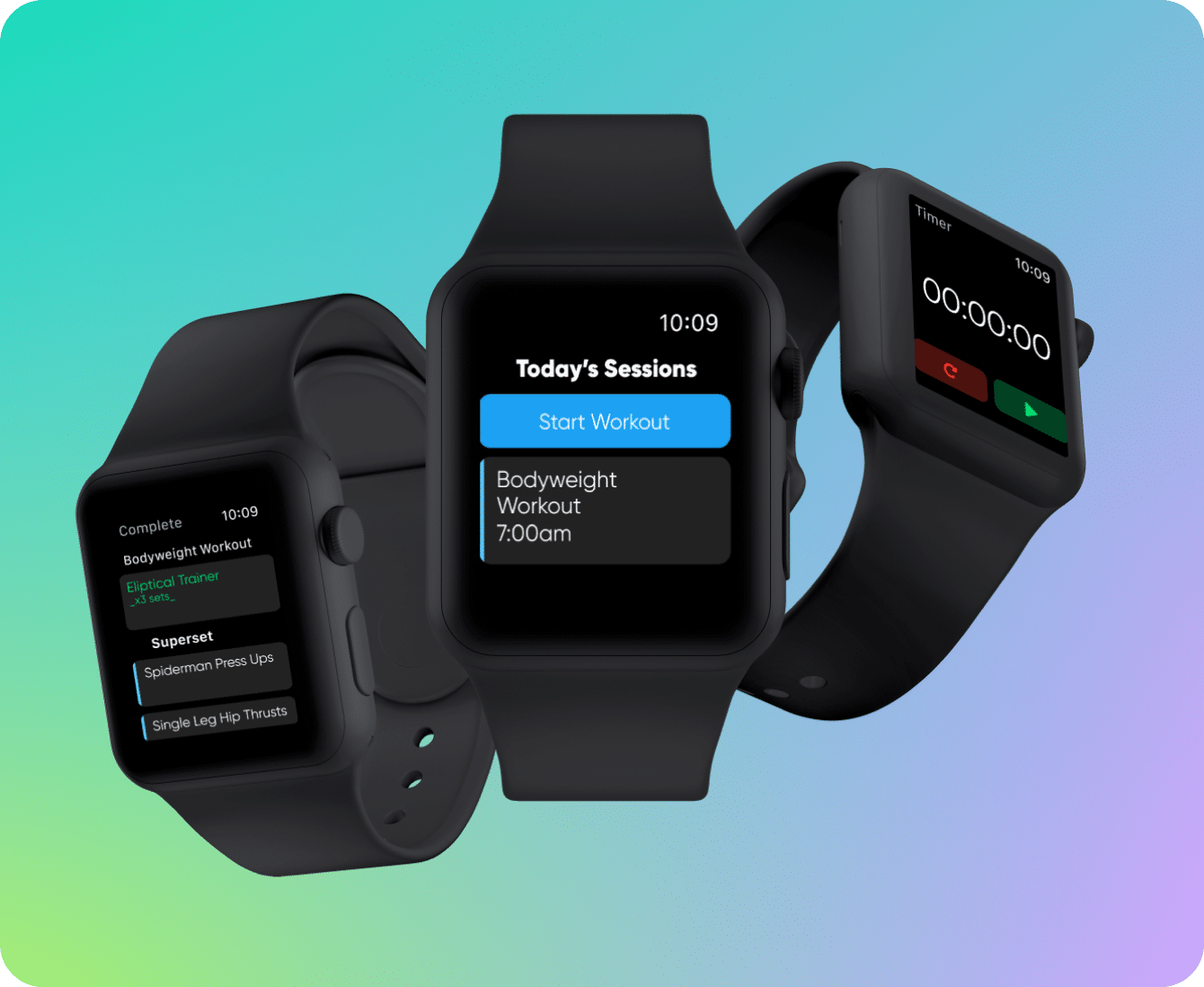
The My PT Hub Apple Watch app makes logging and tracking client workouts faster and more convenient than ever, for you and your clients.
Start your 30-day free trial.
No card details required.
Frequently asked questions
My PT Hub integrates directly with Apple Health, Apple Watch, Google Fit, MyFitnessPal and Fitbit. Health data from wearable devices like Whoop, Garmin, Oura Ring and platforms such as Strava and Nike Run Club can also be synced to My PT Hub if your account connected with one of the above direct-integration platforms (i.e. Whoop>Google Fit>My PT Hub).
Coaches can track a range of client health metrics from client wearables and third-party apps directly from your My PT Hub account. Metrics include calories burned, step count, sleep, distance (walking, running & cycling) and flights climbed.
Clients can set up integrations with wearable devices and third-party fitness apps via their companion mobile app by clicking Settings>Feature Settings>Integration Connections. Once clients have connected their devices, they can pull down on the Hub homescreen of their app to sync their latest data, or by clicking the ‘Sync now’ button in the Integrations’ tab.
Yes, they can. Clients can integrate with multiple third-party fitness wearable devices and apps simultaneously. Clients can toggle between integrated devices and apps by clicking into the Integrations’ tab on their Hub dashboard on the homescreen of their mobile app.
