New feature
Nutrition AI
Nutrition is where results are made or lost, and it’s also where the manual work piles up fastest. Every client needs a plan that hits their targets, fits their preferences, works around the foods they hate and the allergies they can’t ignore, and slots into a life that rarely runs to schedule. Build that by hand, ingredient by ingredient, across a full roster, and you’ve spent your entire week just creating meal plans.
Nutrition AI is our brand new feature, built to take the heavy lifting out of manual meal planning. It’s the nutrition counterpart to Workouts AI: you describe what a client needs in plain language, and Nutrition AI produces a structured, macro-aware plan in seconds. You stay the coach. The AI just clears the repetitive groundwork so you’ve got more of yourself to give to the parts of nutrition coaching that actually move the needle.
Read on to learn what Nutrition AI does, how it fits into the way you already coach, and how to get the most from it without handing over the expertise your clients pay you for.
What is Nutrition AI?
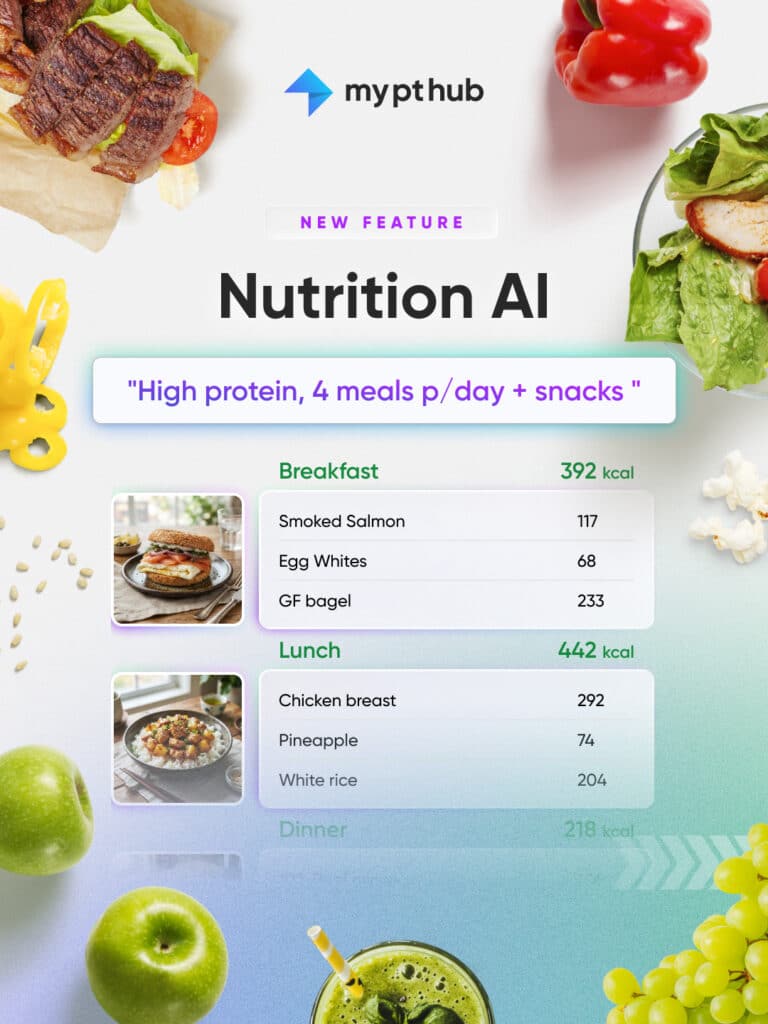
Nutrition AI is a new feature inside My PT Hub that turns a written brief into a fully built nutrition plan. You tell it what you’re after; an 1,800-calorie high-protein day with no shellfish, a cutting week for someone training five days, a simple three-meals-and-a-snack structure for a beginner who’s overwhelmed by tracking, and it assembles breakfast, lunch, dinner and the full macro breakdown for you.
Crucially, Nutrition AI isn’t a locked box that hands you a finished plan you can’t edit. Everything it produces lands inside the same nutrition builder you already use, so every meal, portion, and macro target is yours to adjust, so you can focus on adding the expertise only a nutrition coach can bring to the table.
Build a full day's plan from a simple prompt
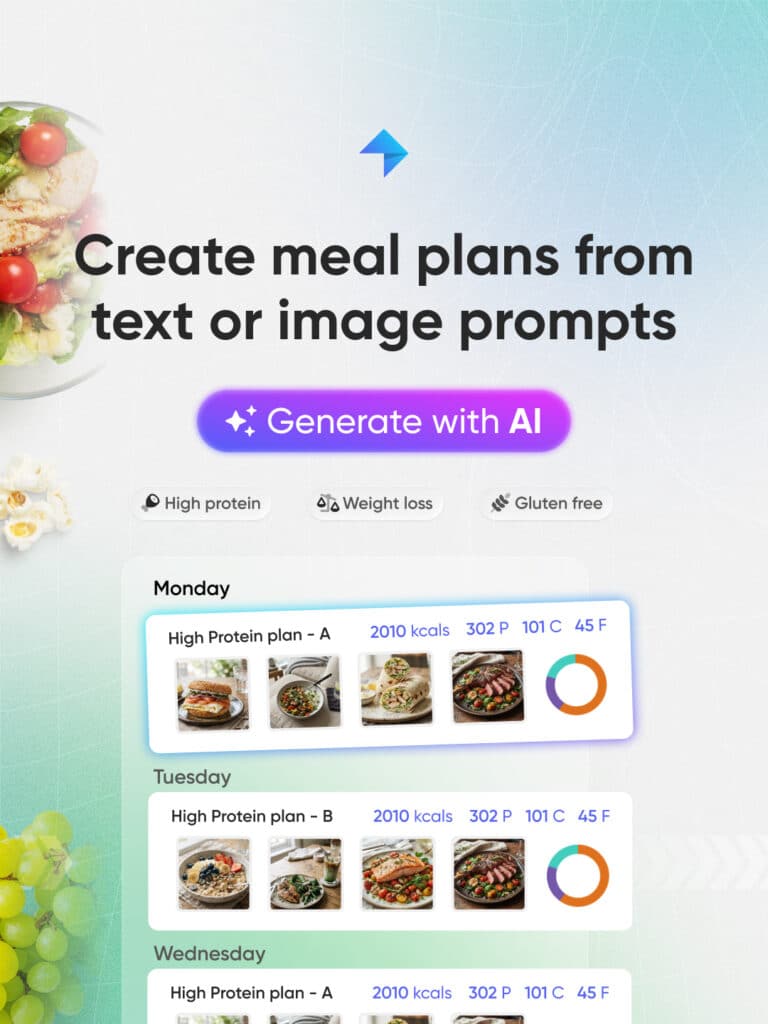
The starting point is a prompt. Simply write out what you want to build in plain English (e.g. “a 1,800 kcal high-protein day, no shellfish.” Nutrition AI reads that and builds breakfast, lunch and dinner directly into the plan builder, hitting the calories and the macro intent, respecting dietary restrictions, and structured as a proper day rather than a loose list of foods.
Rather than searching the database and dragging foods in one by one to inch toward a target, Nutrition AI will give you a starting framework in seconds, which is much faster to refine and assign to your client only when you are happy with it.
Snap a photo, get a plan
Not every plan starts life inside My PT Hub. You’ve probably got plans on paper, in old screenshots, or scribbled in a notebook from before you went digital, and rebuilding those by hand is exactly the kind of tedious migration work that eats an afternoon.
Nutrition AI can read them in. Upload a picture or screenshot of an existing plan, even a handwritten one, and the AI converts it into a proper, editable My PT Hub nutrition plan. That’s a serious time-saver if you’re onboarding a client who arrives with a plan from a previous coach, or digitising years of your own paper-based work. Both routes, the sentence and the photo, land in the same place: a structured, editable plan in the builder, ready for your input.
It already knows your client
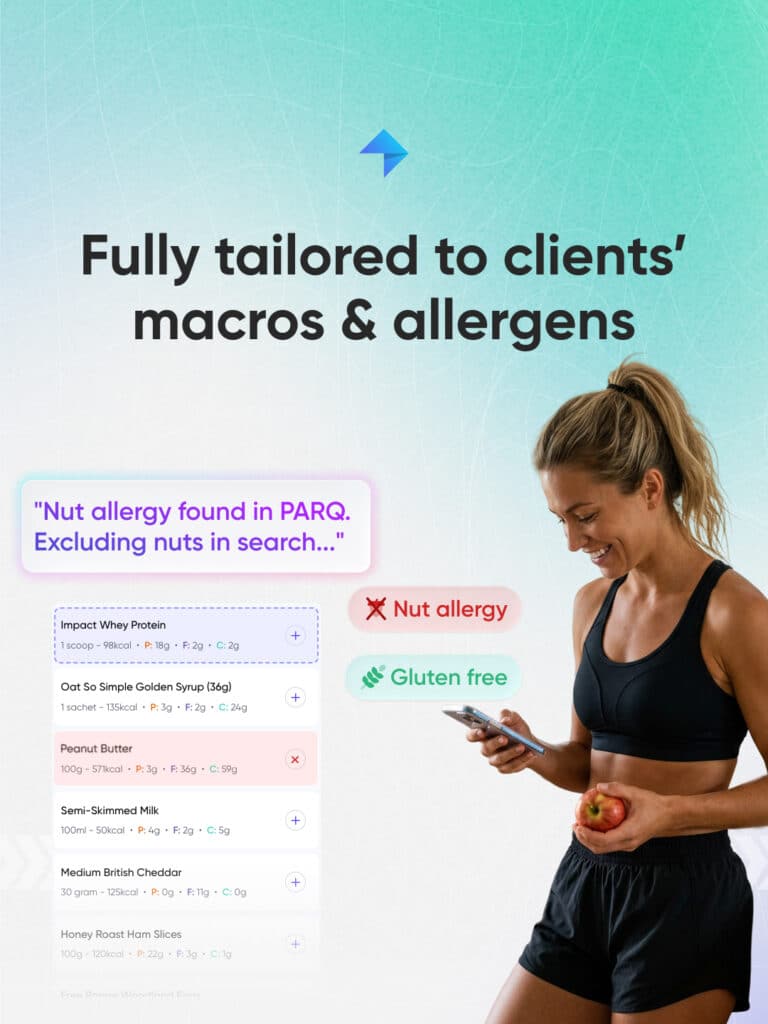
Here’s where the manual set-up quietly disappears. Attach a client to the plan and Nutrition AI automatically pulls in their saved macros and the allergies recorded in their PAR-Q, then tells you it’s done so. You’re not re-keying targets you already set or hunting back through a form to check what someone can’t eat; the AI starts from what My PT Hub already knows about that specific person. And it’s transparent about it. When it applies a client’s macros or flags their recorded allergies, it says so, so you can see exactly what it’s working from. You always have the final say; the AI just removes the fiddly lookup work before you’ve even started.
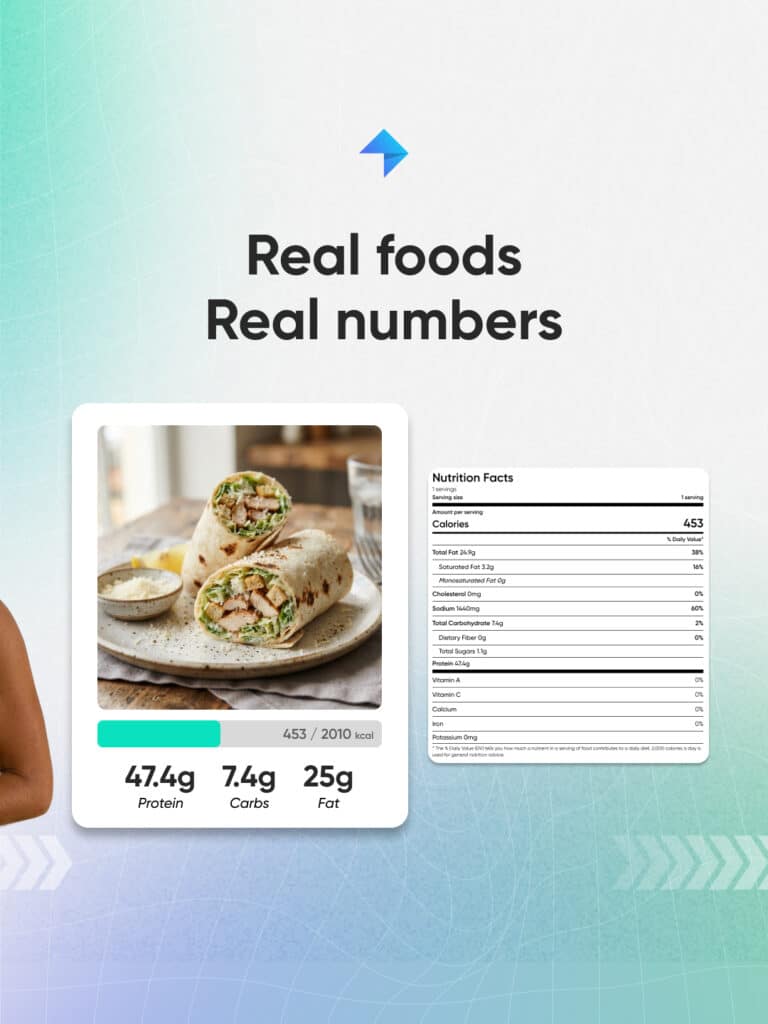
Real foods, real numbers
A meal plan is only as good as the numbers behind it, so Nutrition AI doesn’t make any up. Every item comes from our verified food database, covering both generic and branded foods, or from your own custom foods and meals. Every calorie and macro figure is calculated from real data, not guessed. That matters for two reasons. Your clients get plans built on verified nutritional information, and you get to trust the totals without double-checking every line.
Allergy-aware by design
Restrictions in Nutrition AI are hard filters, not polite suggestions. If a client can’t have shellfish, dairy, or gluten, our AI treats that as a rule to build around, not a preference to weigh up. Client safety isn’t something to leave to chance, and our feature is built to help you keep it that way.
Just as important is what happens at the edges. If the AI can’t verify that an item is safe against a client’s restrictions, it flags it directly to you for a decision. It’s the kind of guardrail that lets you move fast while maintaining exceptional standards.
Edit it like a conversation
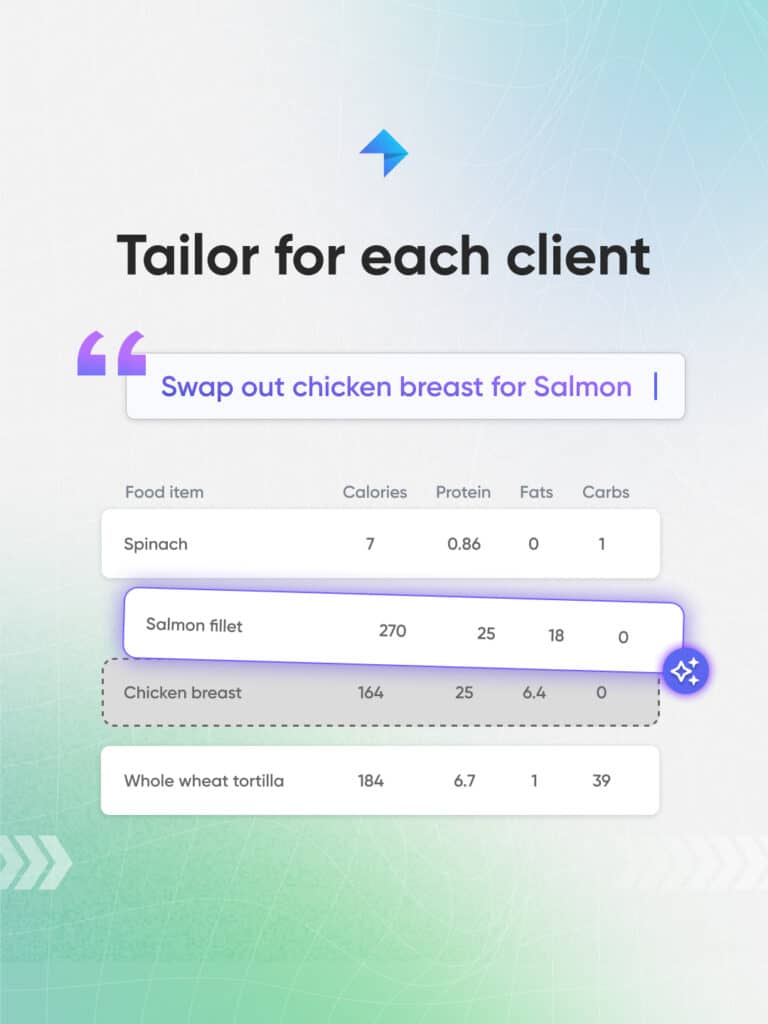
A first draft is rarely the final answer, and that’s the point. Nutrition AI lets you refine the plan by simply telling it what to change in plain text, the same way Workouts AI works. Want to swap a food a client won’t touch? Say so. Need to change a portion, drop a meal, give the day a Mediterranean twist, or add a healthy dessert to keep someone sane on a cut? Ask, and the plan updates as you chat. No digging through menus or rebuilding from scratch; just a quick line of text and the plan reshapes around them. This is where Nutrition AI earns its keep for experienced coaches. The AI handles the mechanical rebuilding while you make the calls that matter.
Turn hours of planning into minutes
Here’s the maths that makes the case. Say you build nutrition plans for 15 clients. A properly considered plan; choosing foods, hitting macro targets, working around preferences, takes a solid 30 minutes when you’re being thorough. That’s 7.5 hours, close to a full working day, gone every time you refresh your roster’s plans. Nutrition AI produces that first draft in seconds. Even allowing for the edits you’ll make afterward, you’re looking at a few minutes per client. Across 15 clients, that’s the difference between a full day and a lunch break. You know what you’d do with the other seven hours. The value isn’t just the time saved on any single plan; it’s what it unlocks. Faster planning means you can offer nutrition to more clients without your workload ballooning, or simply free up the hours for coaching, content, and the parts of the business you actually enjoy.
Where Nutrition AI fits alongside your coaching
Nutrition AI is at its best as the first draft, not the final word. Let it handle the structural heavy lifting; the meal scaffolding, the macro maths, the food selection that hits the target, then layer on the things that make a plan genuinely coached. The swap you know a client will actually stick to. The cultural foods that make a plan feel like theirs. The gradual adjustments you’ll make once you see how they respond week to week.
That last part is where it connects to the rest of your coaching. A plan is a starting hypothesis; the results come from what you do with the tracking data, the check-in conversations, and the adjustments that follow. It’s also worth being clear about the line coaches already know well: a personal trainer, even one with a nutrition qualification, works within their scope of practice, and Nutrition AI doesn’t change that. It’s a planning aid that speeds up the building, not a replacement for your knowledge or your judgment. Clients aren’t paying for a meal plan they could generate themselves; they’re paying for your judgment, your accountability, and your attention. Used well, Nutrition AI clears the busywork so there’s more of you left for exactly that.
How to write prompts that get better plans
The quality of what you get out of Nutrition AI tracks closely with the quality of what you put in. A few habits make a real difference:
Lead with the hard numbers
Give it the calorie target and the macro intent up front. “High protein” is useful; “1,800 kcal, high protein, around 180g” gives the AI something precise to build toward, so you’ll barely have to touch the totals.
Attach the client early
If the plan is for an existing client, attach them first so the AI can pull in their saved macros and PAR-Q allergies automatically. It’s faster than typing the same details in by hand, and it means the plan starts from what you already know about them.
Name the restrictions and preferences
Once you’ve attached the client you’re building for, spell out anything extra; foods they refuse to eat, a cuisine they love, a style you’re going for. Restrictions are treated as hard filters, so the more you give it, the safer and closer the first draft will be.
Iterate rather than restart
If the first draft isn’t quite right, tell the AI what to change rather than scrapping it. Swap a food, adjust a portion, ask for a twist; small refinements get you to the finished plan faster than rewriting everything from scratch.
Getting started with Nutrition AI
Nutrition AI sits inside the My PT Hub nutrition builder, so if you’re already creating plans in the platform, you’re moments away from trying it. Start with a single client, attach them so the AI has their macros and allergies, write a clear one-line brief, and see how close the first draft gets. Then refine it in conversation, assign it, and build the habit of letting the AI handle the groundwork while you focus on the coaching around it.