
Building workout programs from scratch for every single client is one of the most time-consuming things a personal trainer can do. When you have five clients it is manageable. When you have twenty, thirty, or fifty, the hours stack up fast and something starts to give, usually either your quality or your sanity, (or both!).
The solution is not to coach every client exactly the same way. It’s to build smarter systems that let you create once, adapt quickly, and deliver consistently, without starting from a blank page every time a new client joins. This guide walks through exactly how to do that, including how My PT Hub supports every stage of the process.
Contents:
- 1. Why building programs from scratch for every client does not scale
- 2. The case for a modular programming approach
- 3. Building a reusable workout library
- 4. Adding custom exercises and video demonstrations
- 5. How to build a workout in My PT Hub
- 6. Structuring multi-week programs efficiently
- 7. Duplicating and adapting programs for different clients
- 8. Using client groups to deliver programs at scale
- 9. Packaging programs for automated delivery
- 10. Adding automated messages to keep clients on track
- 11. Running group challenges and cohort programs
Why building programs from scratch for every client does not scale
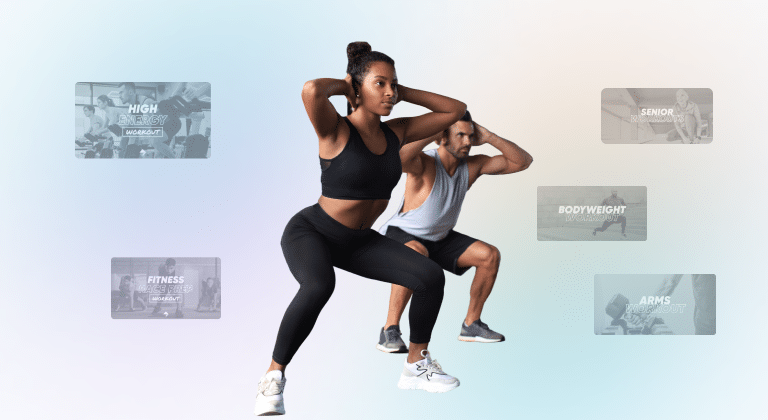
There is a version of online coaching where every client gets a completely unique, individually designed program built from nothing. That model has a ceiling, and it’s a very low one. Most coaches who try to operate this way find that the time they spend programming leaves very little time for anything else, including the kind of coaching interaction that actually retains clients.
The reality is that most clients with similar goals, experience levels, and training availability have more in common than they have differences. A beginner fat loss client training three days a week has programming needs that overlap significantly with the next beginner fat loss client training three days a week. Building entirely separate programs for each of them is not better coaching. It’s just more work.
Efficiency in programming is not about cutting corners. It is about building a library of high-quality workouts, structures and templates that you can deploy, adapt and combine intelligently, so that more of your time goes into making good coaching decisions and less of it goes into rebuilding the same push day for the fourth time this month.
The case for a modular programming approach
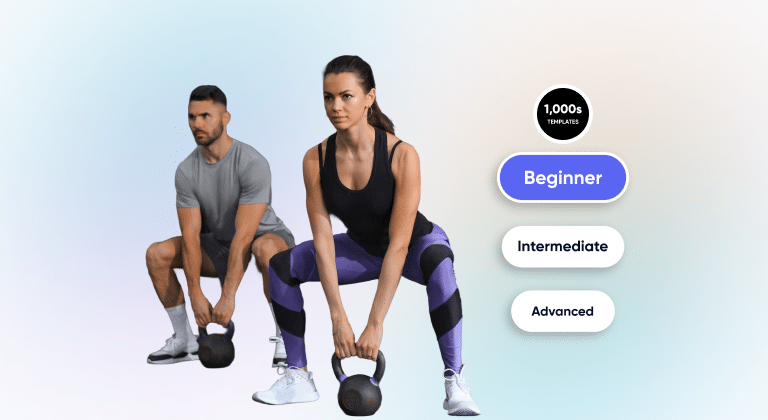
Modular programming means treating workouts and program structures as components that can be assembled and reassembled rather than created fresh each time. In practice, this looks like building a library of workouts organized by goal, training style, experience level, and available equipment and then pulling from that library to construct programs for specific clients rather than starting from scratch.
For example, a coach working with a range of clients might build and save workouts covering upper body strength, lower body strength, full body hypertrophy, cardio-based conditioning, and mobility. From those components, a beginner three-day program, an intermediate four-day split, and an advanced five-day strength program can all be built quickly by selecting and sequencing the right workouts from the library.
This approach reduces build time significantly, improves consistency across your client base, and makes it much easier to iterate and improve programs over time, because changes to a foundational workout can be applied across multiple programs at once.
Building a reusable workout library
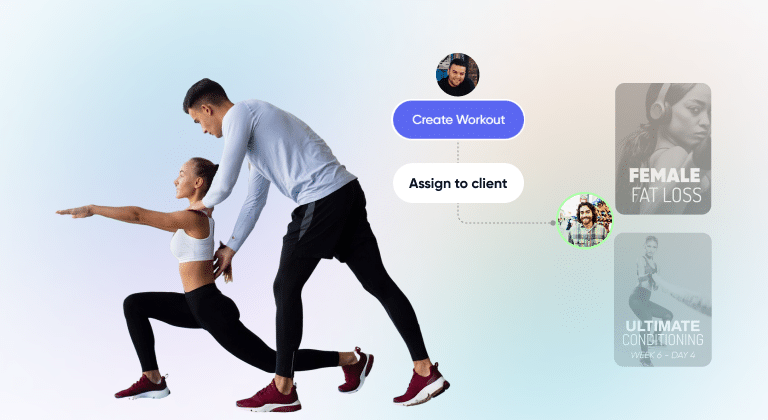
The foundation of efficient programming is a well-organized workout library. Before worrying about how to build a program, it is worth investing time upfront in building out the workout components that will underpin everything else.
A useful starting point is to think about the categories of workouts you find yourself creating most often. This might include upper body push sessions, upper body pull sessions, lower body sessions (quad-dominant and hip-dominant), full body sessions, cardio circuits and mobility or recovery sessions. Within each category, create workouts at different difficulty levels or with different equipment requirements, such as gym-based, home-based with dumbbells, and bodyweight-only variations.
In My PT Hub, all workouts you create are stored in the Workouts section and are available to assign to any client at any time. From any page in the platform, you can search, filter, and sort your workouts, making it easy to find what you need quickly even when your library grows large. The time you spend building this library upfront pays back many times over every time you program for a new client.
Adding custom exercises and video demonstrations
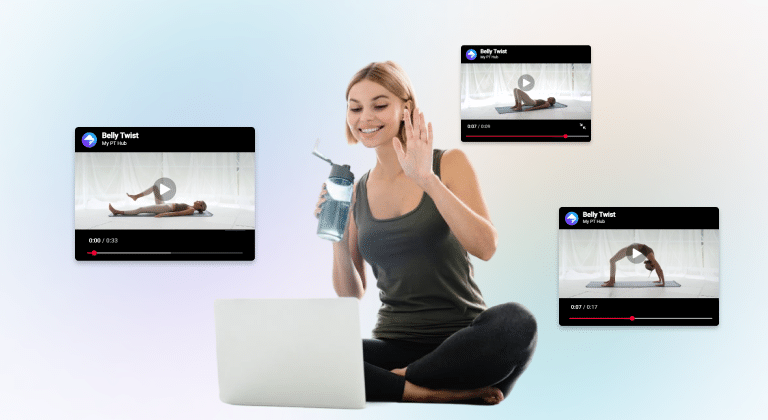
One of the most valuable additions to a workout library is a bank of custom exercises with video demonstrations attached. This removes the need to explain form cues in writing for every client and significantly reduces the number of “how do I do this exercise?” messages landing in your inbox.
In My PT Hub- alongside 8,000+ pre-loaded exercises with HD videos – you can add custom exercises to the platform from the Exercises section in the left-hand side menu, then ‘Custom Exercises’, and tapping “Create Exercise”. You can attach a YouTube or Vimeo video to any custom exercise so clients can see a demonstration directly in the app when they are logging their session (or upload videos directly from your device).
Custom exercises created by the admin account are also accessible to any additional trainers on the same account, which is useful if you are building out a shared exercise library for a team.
How to build a workout in My PT Hub
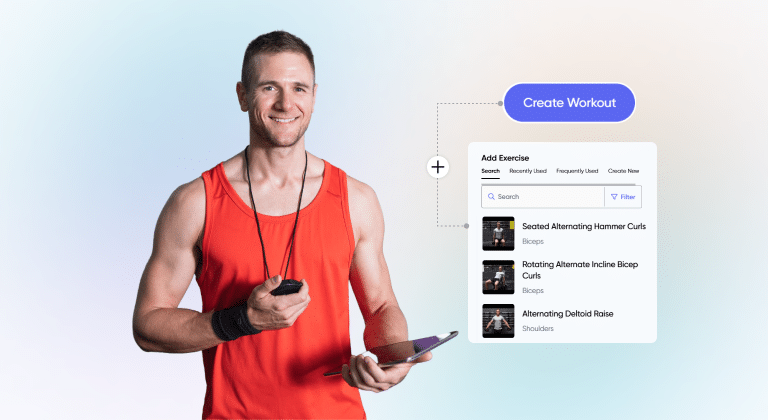
Building workouts in My PT Hub on the web browser is straightforward. From the Workouts section, you can create a new workout and add exercises using the search function on the right-hand side of the screen. Select the “+” next to any exercise to add it to the workout, then edit the parameters for each exercise including sets, reps, weight, rest periods, and any timing details by selecting the relevant columns and entering the values. Hit “Save Changes” when done. You can also create supersets and giant sets within a workout directly from the exercise menu during the build process.
When naming workouts, use a clear, searchable naming convention so you can find them quickly in your library. Something like “Upper Body Push – Intermediate – Gym” is far more useful three months later than “Workout 12.”
Structuring multi-week programs efficiently
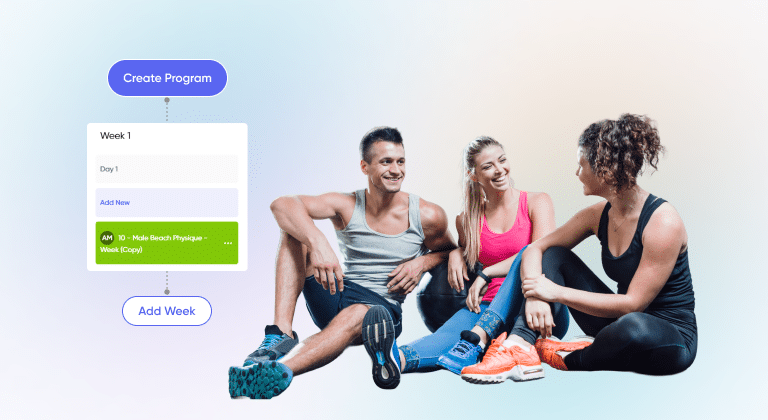
A program in My PT Hub is a multi-week structure made up of individual workouts assigned to specific days. Once your workout library is in place, building a program becomes a matter of selecting and sequencing, rather than creating from scratch.
To create a program on the web, go to Programs in the left-hand side menu and click “Create New Program.” Add the program name, then use the “Add New” button under each day to assign workouts and nutrition plans to specific days across each week. Continue adding weeks as needed by clicking “Add Week” at the bottom of the schedule, then hit “Save Changes” when you are done. Assign your program to single or multiple clients by clicking the three dots next to your program and set either a fixed start date or a flexible start date that the client can choose themselves.
Thinking about program length at the design stage helps you make better structural decisions. A 12-week strength program needs a different week-by-week progression logic than a 4-week introductory program. Mapping that out before you start building saves editing time later.
Duplicating and adapting programs for different clients
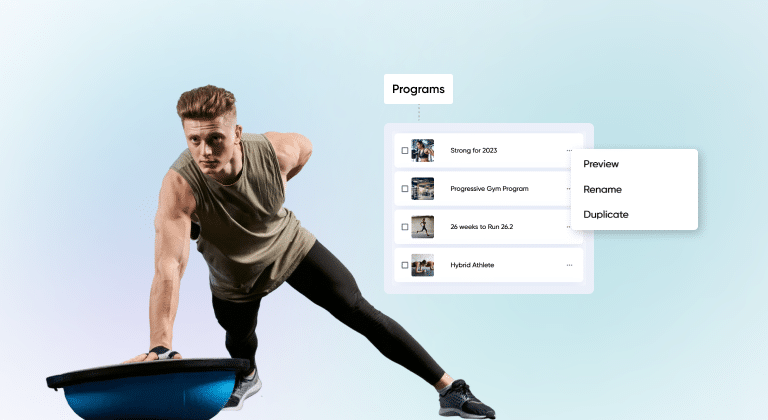
One of the most time-saving features in My PT Hub for coaches programming for multiple clients is the ability to duplicate programs. Rather than building a new program from zero every time a client has slightly different needs, you can duplicate an existing program and make targeted changes to fit the specific client.
To duplicate a program, go to the Programs section on the left-hand side of your account, click the three dots next to the program you want to copy, and select “Duplicate.” The copy can then be edited independently without affecting the original.
This is particularly useful when you have a core program structure that works well for a specific goal or population, and you want to create variations for different equipment availability, training frequency, or experience level. You might maintain one master 12-week hypertrophy program and duplicate it to create home-based, gym-based, and intermediate versions, each building from the same structural foundation but adapted at the workout level.
Duplication also works well for week-by-week program extensions. When a client completes a program phase, you can duplicate the previous phase and adjust the loading parameters to create a progression, rather than starting from scratch.
Using client groups to deliver programs at scale
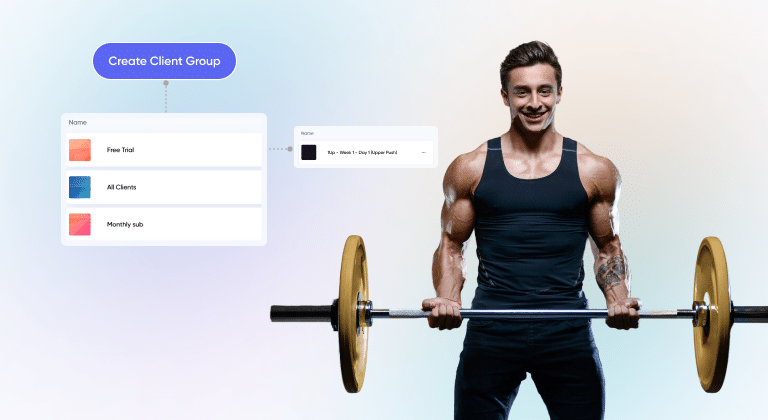
Client groups are one of the most powerful tools for coaches delivering the same program to multiple clients simultaneously. Rather than assigning workouts and programs to each client individually, you can push content to an entire group at once.
To use client groups for program delivery, go to Contacts, then click “Client Groups” at the top of the page, and open the group you want to update. From within the group, go to the relevant content section (such as ‘Workouts’), click “Update assignments” at the bottom of the page, select the workouts to add, and save. All clients in the group receive the assignment at once.
Client groups can also be linked to packages so that anyone who purchases a specific package is automatically added to the relevant group. This means that as new clients sign up, they are immediately included in the group content without any manual assignment needed on your end. To set this up, go to Packages, open the relevant package, go to the ‘Assignments’ tab, and add the client group there.
This structure works particularly well for monthly membership clients or anyone on a group coaching program where the content updates regularly. When you want to add a new week of workouts to the program, you update the group once and every client in it receives the new content.
Packaging programs for automated delivery
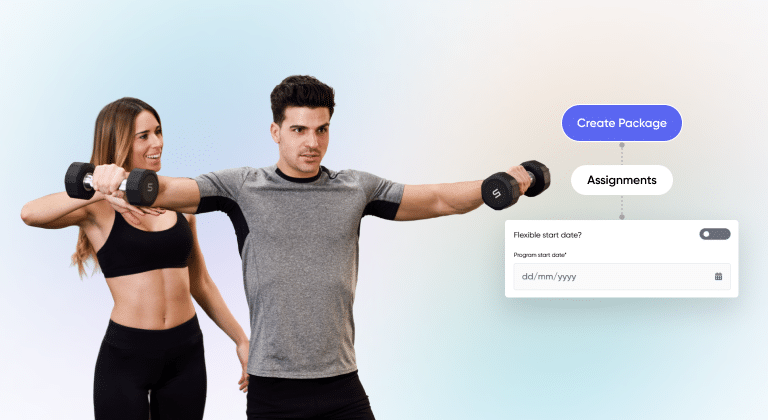
Beyond group assignment, packaging a program is the most streamlined way to deliver workout programs to multiple clients automatically, including to clients who have not yet joined.
In My PT Hub, a package can include a full program in the ‘Assignments’ tab. When a client purchases the package, their account is created, the program is loaded into their profile, and any intake forms or supporting materials you have included are delivered automatically.
To package a program, go to Packages on the left-hand side of your account, click “Create Package” (or open an existing package), go to the ‘Assignments’ tab, and add the program. If you want all clients to start at the same time, set a fixed start date. If clients are joining on a rolling basis and should be able to begin when they are ready, toggle on the flexible start date option.
Once the package is set up, you can share the package link directly with clients, publish it on your MySite page, or include it in marketing materials. The delivery of the program requires no further action from you after the initial setup.
Adding automated messages to keep clients on track
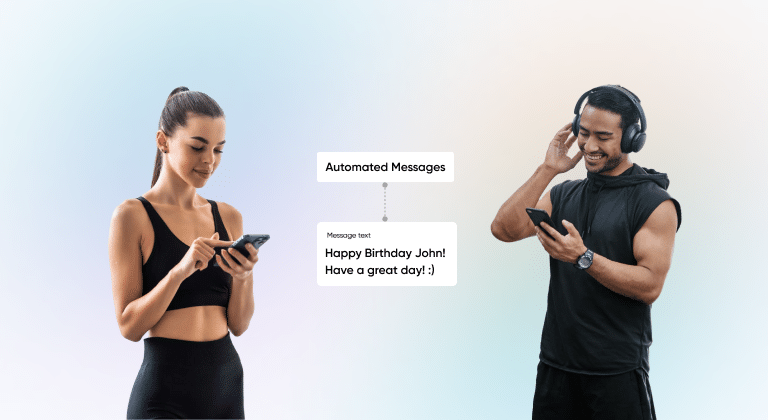
A well-built program can still underdeliver if clients disengage mid-way through. Automated messages built into a program help maintain momentum by delivering timely prompts, encouragement, and coaching notes to clients at specific points in the program, without any manual sending required.
In My PT Hub, you can add automated messages to a program from the Programs section on the web browser. These messages can be timed to go out at specific points in the program, making them useful for week-end check-in prompts, progression reminders, or motivational notes timed around phases of the program that clients commonly find challenging.
Automated messages are particularly effective in longer programs (eight weeks or more) where engagement can naturally dip in the middle weeks. Scheduling a message acknowledging that the middle phase is typically the hardest, with a reminder of why the client started, can make a measurable difference to completion rates.
Running group challenges and cohort programs
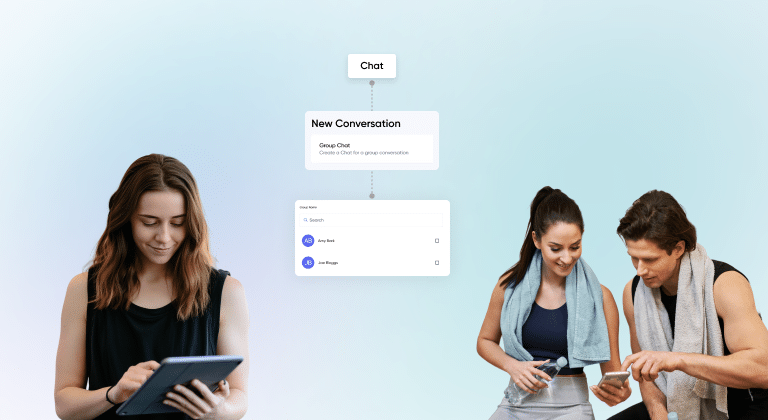
Group challenges are a highly effective way to deliver programming to multiple clients simultaneously, and they are also one of the best tools for creating community and accountability among your client base.
In My PT Hub, setting up a challenge involves creating the workouts, building them into a program, packaging the program with a fixed start date, and then marketing the package to clients with a set start date so all clients begin together.
You can also create a group chat in the Chat section for all clients on the challenge, giving them a shared space to check in with each other, share progress, and build accountability. This is created by going to Chat, selecting “New Chat,” and choosing the Group Chat option. You can also create an individual client community space using the Communities feature, which operates like a mini-facebook group.
The challenge format is also one of the most efficient uses of your programming time, because you build once and deliver to many clients at the same cost in hours.
Building workout programs efficiently for multiple clients comes down to three things: a well-stocked workout library, a duplication-first mindset and the right tools for delivery. Get those in place and programming stops being the bottleneck in your business, leaving you free to focus on the coaching conversations that actually make a difference to your clients.