
You spent 30 minutes creating the perfect leg workout. You filmed it. You posted it to Instagram. Three hours later, it’s buried in the algorithm, seen by 47 people, and you’re staring at your phone wondering what to post tomorrow.
Sound familiar? Most personal trainers treat social media content disposably i.e. create your content, use it once, throw it away, start over. But here’s the truth: one well-designed workout can generate 10+ pieces of quality content if you know how to repurpose it strategically.
This isn’t about spamming your followers with the same post. It’s about extracting maximum value from the work you’ve already done while serving your audience different ways to consume, learn from and engage with your expertise.
Contents:
- 1. Why repurposing content is smarter than constant creation
- 2. The foundation: start with one solid workout
- 3. Repurpose #1: The full workout video or reel
- 4. Repurpose #2: Individual exercise breakdowns
- 5. Repurpose #3: Form correction carousel
- 6. Repurpose #4: Before/after progress post
- 7. Repurpose #5: Educational myth-busting post
- 8. Repurpose #6: Client testimonial with workout context
- 9. Repurpose #7: Quick tips story series
- 10. Repurpose #8: Poll or Q&A engagement post
- 11. Repurpose #9: Motivational quote with workout imagery
- 12. Repurpose #10: Email newsletter workout feature
- 13. How to batch repurpose efficiently
Why repurposing content is smarter than constant creation
Creating fresh content daily is exhausting. It’s also unnecessary.
The average Instagram user sees only about 5-7% of posts from accounts they follow. On TikTok, videos resurface weeks later through algorithmic recommendations. Facebook prioritizes older evergreen content when it continues getting engagement.
Translation: most of your followers didn’t see your post the first time. Repurposing isn’t redundant, it’s reaching people who missed it and giving those who did see it a different angle.
The efficiency advantage
Time spent creating one workout: 30-60 minutes Time spent repurposing into 10 posts: 60-90 minutes Total content created: 11 posts Time per post: ~8 minutes
Compare this to creating 11 unique posts from scratch: 5-6 hours minimum.
Repurposing gives you consistent content without the constant creative burnout. This is critical for social media marketing success when you’re also training clients, managing programming, and running a business.
The foundation: start with one solid workout
Not every workout is repurpose-worthy. Choose workouts that offer educational value and visual appeal:
Ideal workouts for repurposing:
You need to build workouts digitally and deliver them to clients through an app or web portal.
- Goal-specific programs (fat loss, strength, mobility)
- Common movement patterns people struggle with
- Workouts addressing frequent client questions
- Training with popular equipment (dumbbells, resistance bands, bodyweight)
- Programs for specific demographics (beginners, busy parents, seniors)
What you need to capture:
- Full workout demonstration (yourself or a client with permission)
- Multiple camera angles if possible
- Individual exercise clips (10-15 seconds each)
- Setup and form cues
- Modifications or progressions
- Client performing the workout (optional but valuable)
Film once, but film comprehensively. Getting all your footage in one session makes everything that follows significantly easier.
Post #1: The full workout video or reel
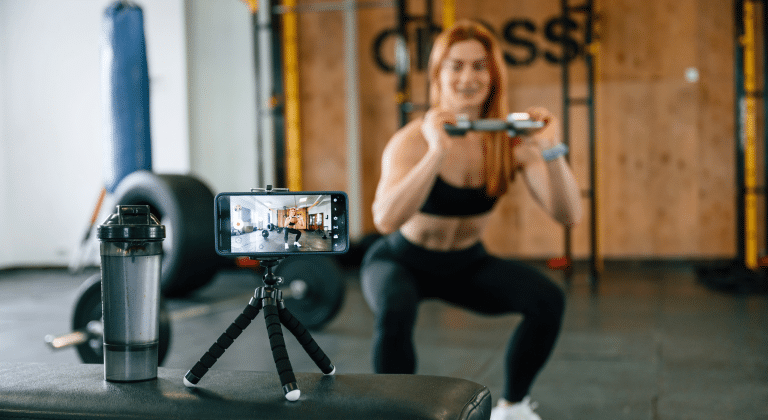
This is your anchor content: the full workout posted as an Instagram Reel, TikTok, YouTube Short, or Facebook video.
Format:
- 30-60 seconds for Reels/TikTok/Shorts
- 3-10 minutes for long-form YouTube or IGTV
- Show 3-5 exercises from the workout
- Add text overlays for exercise names and reps/sets
- Include upbeat music (use royalty-free or platform libraries)
Caption template:
30-Minute Lower Body Burner 🔥
No equipment needed. Perfect for home workouts when you’re short on time.
Exercises: • Goblet Squats – 3×12 • Romanian Deadlifts – 3×10 • Bulgarian Split Squats – 3×8 each leg • Glute Bridges – 3×15 • Walking Lunges – 3×10 each leg
Save this for your next leg day! Drop a 💪 if you’re going to try it.
Post #2: Individual exercise breakdowns
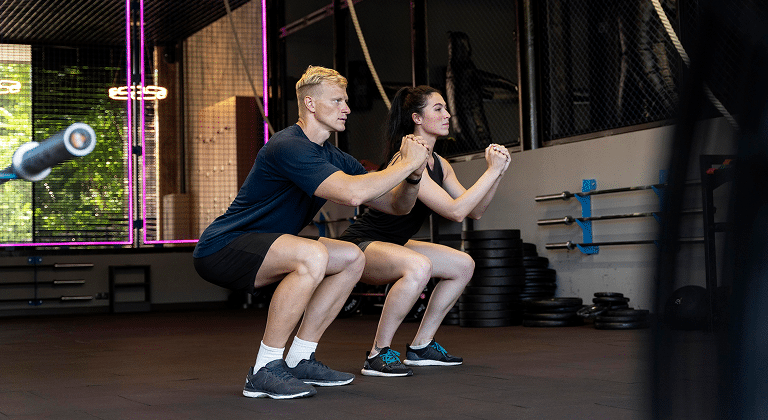
Break your full workout into 4-5 individual exercise posts, each focusing on one movement.
Format:
- 15-30 second clips showing proper form
- Side-by-side comparison of correct vs. incorrect form
- Multiple angles (front view, side view)
- Text overlay with key coaching cues
Caption template:
How to: Goblet Squat
Key form cues:
✗ Knees caving inward ✗ Leaning too far forward ✗ Rising up on toes ✗ Losing core tension
Try 3 sets of 12 reps in your next workout. What questions do you have about this exercise?
Post one exercise breakdown every 2-3 days. If your workout has 5 exercises, you’ve just created a week’s worth of educational content.
Post #3: Form correction carousel
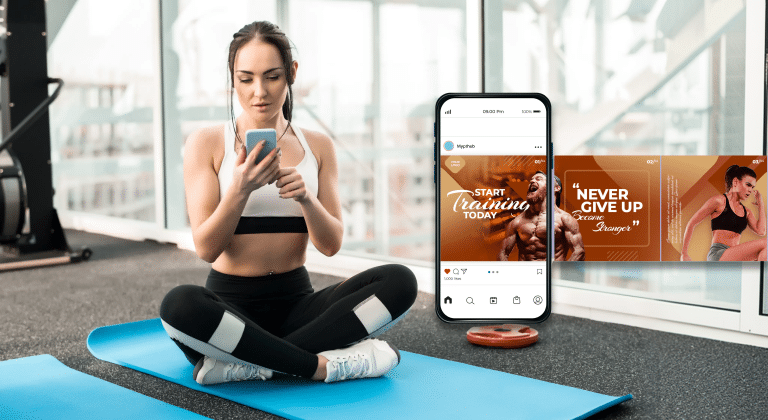
Instagram carousels get 1.4x more reach than single-image posts. Use this format to teach proper form.
Format:
Create a 5-7 slide carousel:
- Slide 1: Eye-catching cover (“5 Squat Mistakes Killing Your Gains”)
- Slides 2-6: One mistake per slide with photo/video
- Slide 7: Call-to-action (book a session, download a guide, follow for more tips)
Example carousel flow:
Cover: “5 Squat Form Mistakes (And How to Fix Them)”
Mistake #1: Knees Caving In → Fix: Push knees out
Mistake #2: Heels Lifting → Fix: Weight in heels, open hip angle
Mistake #3: Forward Lean → Fix: Chest up, engage core
Mistake #4: Shallow Depth → Fix: Descend to parallel
Mistake #5: Fast Descent → Fix: Control the eccentric
“Want personalized form coaching? DM me ‘SQUAT’ for details
This educates your audience while positioning you as the expert who can fix their problems.
Post #4: Before/after progress post
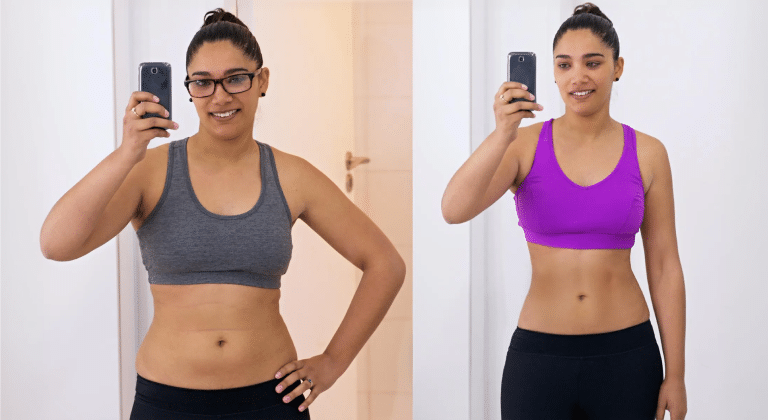
If a client has been following this workout program (with their permission), showcase their transformation.
Format:
- Side-by-side before/after photos
- Brief story of their journey
- Specific results (weight lost, strength gained, measurements)
- The role this specific workout played
Caption template:
Meet Emily 💪
8 weeks ago, she couldn’t do a bodyweight squat without knee pain. Now? She’s squatting 135lbs for reps.
The program: ✓ 3x/week lower body training ✓ Progressive overload every 2 weeks ✓ Focus on form before weight ✓ Mobility work pre and post-workout
The workout I shared on Monday? That was Week 1 of Emily’s program, the foundation we built everything on.
Results: • +45lbs to her squat • -12lbs bodyweight • Zero knee pain • Confidence through the roof
This is what happens when you’re consistent with smart programming and proper coaching.
Ready for your own transformation? Link in bio to get started.
Social proof is powerful. This post does double duty: showcases client results while attributing success to your programming method (which includes the workout you already posted).
Post #5: Educational myth-busting post
Every workout relates to common fitness myths. Use your workout as a springboard for education.
If your workout features squats:
Myth: Squats are bad for your knees
Truth: When performed correctly, squats actually strengthen the muscles around your knees, improving joint stability and reducing injury risk.
The key? Proper form. That’s why in the leg workout I posted this week, I emphasized: • Controlled descent • Knees tracking over toes • Full range of motion • Progressive loading
Bad form damages knees. Good squats protect them.
What other squat myths have you heard? Drop them below 👇
This creates engagement (comments from people sharing myths they’ve heard) while reinforcing your expertise.
Post #6: Client testimonial with workout context
Screenshots of client texts, DMs, or video testimonials make excellent content, especially when tied to specific programming.
Format:
- Screenshot of client message or review
- Your response or context
- How this workout/program delivered results
Caption template:
Got this message from Jessica yesterday 🙌
‘I just finished the leg workout you sent. My quads are SCREAMING but I feel amazing. I never thought I’d actually enjoy training legs!’
Jessica struggled with lower body training for months. She’d skip leg day, make excuses, say it was ‘boring.’
Then we introduced this exact workout I posted Monday: • Supersets for efficiency • Variety to keep it interesting • Clear progressions to track improvement • Mix of strength + metabolic work
Three weeks later? She’s requesting EXTRA leg days.
The right program makes all the difference. Want help finding yours? DM me ‘PROGRAM’ and let’s talk
This demonstrates real-world application and results while driving engagement.
Post #7: Quick tips story series
Instagram and Facebook Stories disappear after 24 hours, making them perfect for daily micro-content that doesn’t clog your feed.
Format: Create a 5-7 story series pulling tips from your workout:
- Story 1: “5 Tips for Better Squats”
- Story 2: Tip #1 with visual
- Story 3: Tip #2 with visual
- Story 4: Tip #3 with visual
- Story 5: Tip #4 with visual
- Story 6: Tip #5 with visual
- Story 7: “Want the full workout? Link in bio”
Use the same footage from your original workout, but deliver it in bite-sized, easily digestible pieces.
Post #8: Poll or Q&A engagement post
Turn your workout into interactive content that boosts algorithm performance through engagement.
Poll post example:
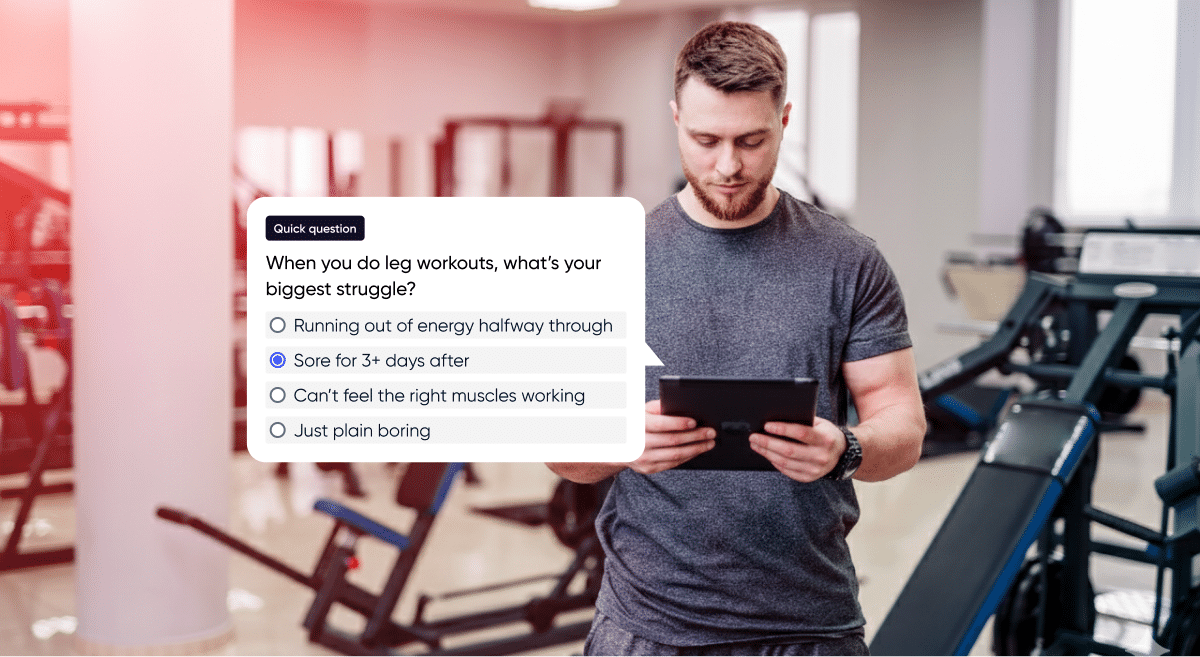
Quick question: When you do leg workouts, what’s your biggest struggle?
A) Running out of energy halfway through
B) Sore for 3+ days after
C) Can’t feel the right muscles working
D) Just plain boring
Comment your answer below! Based on what you say, I’ll share specific tips from the leg workout I posted this week.
People love giving their opinion. This creates comment activity (algorithm boost) while giving you insight into your audience’s pain points, which informs future content.
Q&A story variation:
Post the workout thumbnail to your Story with the Question sticker: “What questions do you have about this workout?”
Answer the questions in follow-up stories or save the best ones for a follow-up post: “You asked, I’m answering: Top 5 questions about Monday’s leg workout.”
Post #9: Motivational quote with workout imagery
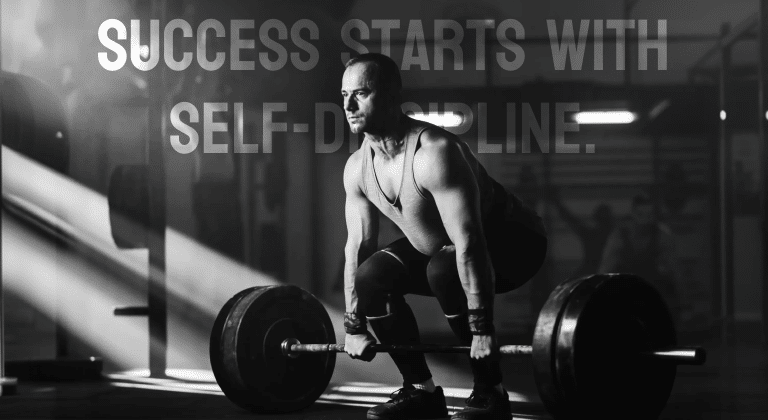
Not every post needs to be instructional. Sometimes people just need encouragement.
Format:
- Action shot from your workout video
- Motivational quote overlay
- Brief caption connecting the quote to the workout
Example:
Image: Mid-squat action shot from your workout video
Text overlay: “Strength doesn’t come from what you can do. It comes from overcoming what you thought you couldn’t.”
Caption example:
That moment in the leg workout when you think you can’t do another rep? That’s where growth happens.
The workout I posted Monday isn’t easy. It’s not supposed to be. But that’s the point.
Every rep you push through builds not just muscle, but mental toughness, discipline and confidence that carries over into every area of your life.
Save this post for those days when you need a reminder. You’re stronger than you think. 💪
Who’s crushing this workout this week? Tag me in your videos!
These posts perform well because they’re emotional and relatable. Plus, they keep your workout content circulating through saves and shares.
Post #10: Email newsletter workout feature
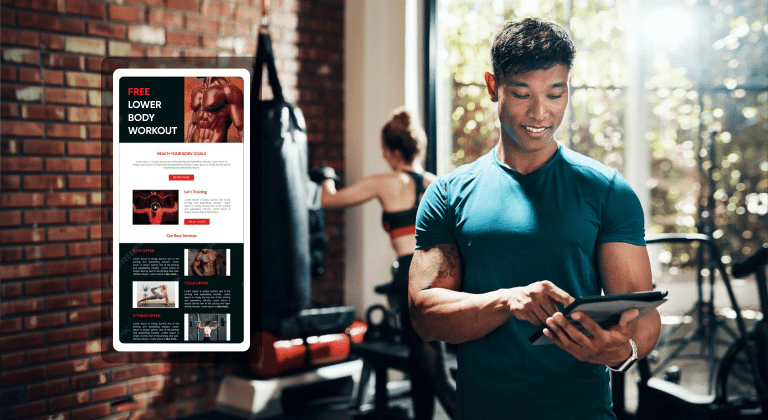
Social media is rented land. Email? That’s property you own.
Repurpose your workout into email content for your newsletter subscribers, giving them added value while driving them back to your social platforms.
Email format:
Subject: “Free Workout: 30-Minute Lower Body Builder”
Body: “Hey [First Name],
Quick question: When was the last time you trained legs and actually enjoyed it?
I just posted a new lower body workout on Instagram that’s been getting amazing feedback from clients. It’s efficient, equipment-optional, and perfect for home or gym.
Here’s the full workout breakdown:
[Include full workout with sets, reps, rest periods, coaching notes]
What makes this workout effective: • Progressive overload built in (instructions included) • Targets all major lower body muscle groups • Modifications for different fitness levels • Takes 30 minutes max
Want to see the video demonstration? Check out my latest Instagram post here: [link]
Already tried it? Hit reply and let me know how it went! I read every response.
Train hard, [Your Name]
P.S. If you found this helpful, forward it to a friend who needs a good leg workout. And if someone forwarded this to you, subscribe here [link] to get future workouts delivered to your inbox.”
Email keeps your workout alive beyond social media’s 24-48 hour visibility window. Plus, you’re providing value to subscribers who might have missed your social posts.
For more on creating systematic content planning and scheduling, check out guides on building content calendars specifically for fitness professionals.
How to batch repurpose efficiently
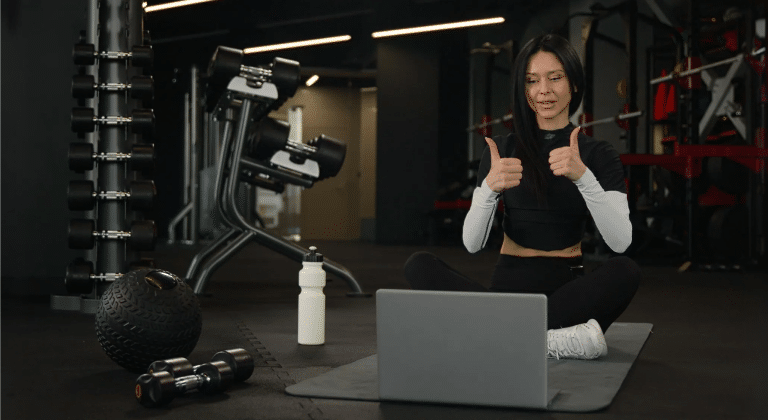
Creating 10 pieces of content sounds overwhelming until you systematize it.
The 90-minute batch system:
Minute 0-30: Content capture
- Film your workout completely
- Capture individual exercise clips
- Get multiple angles
- Record yourself explaining key points
Minute 30-50: Initial editing
- Create full workout video (Post #1)
- Export individual exercise clips (Post #2)
- Pull screenshots for carousels (Post #3)
Minute 50-70: Caption writing
- Write 4-5 caption variations covering different angles
- Pull key quotes for text overlays
- Draft email newsletter version
Minute 70-90: Scheduling
- Schedule posts throughout the week using platforms like Later or Hootsuite
- Queue up Stories
- Set email send date
Done. You’ve just created 10+ pieces of content in 90 minutes that will fill your next 7-14 days of posting.
Tools that help:
- CapCut or InShot for video editing (free, mobile-friendly)
- Canva for graphics and text overlays (free templates available)
- Later or Hootsuite for scheduling posts
- My PT Hub for organizing workout content and delivering it to clients
For trainers looking to streamline their content creation process further, leveraging tools like ChatGPT for content planning can significantly reduce the time spent on writing captions and developing content ideas.
Content repurposing calendar
Spread your repurposed content strategically:
- Day 1: Post full workout video
- Day 2: Individual exercise breakdown #1
- Day 3: Myth-busting educational post
- Day 4: Individual exercise breakdown #2
- Day 5: Form correction carousel
- Day 6: Client testimonial/progress post
- Day 7: Motivational quote with workout imagery
- Throughout week: Quick tip Stories (3-5 per day)
- End of week: Send email newsletter featuring workout
This approach keeps you posting consistently without feeling like you’re repeating yourself.
In summary
Creating content doesn’t have to mean starting from zero every single day.
One solid workout, filmed strategically and repurposed intelligently, can fuel weeks of social media content across multiple platforms. This isn’t about working less, it’s about working smarter.
Your expertise is valuable. A single workout you could program in your sleep contains teaching moments about form, progressions, common mistakes, exercise selection, programming principles and client transformations. Extract that value systematically instead of letting it die after one 24-hour Instagram cycle.
The trainers winning on social media aren’t creating more content. They’re repurposing smarter.
Ready to streamline your entire training business?
Creating and repurposing workout content is easier when you have systems in place. My PT Hub helps you organize, deliver and track workouts while managing your entire personal training business from one platform.
Build workouts once using our advanced workout builder. Access 7,500+ HD exercise videos for content creation and client delivery. Organize your workout library with tags for quick repurposing. Deliver workouts directly to clients through their branded app. Track client progress and gather testimonial-worthy transformations.
Stop reinventing the wheel with every workout and every post. Build systems that scale your content and your business.
Start your 30-day free trial of My PT Hub today and discover how professional training management tools transform your content creation efficiency.