
Setting up personal training packages is one of the most important things you can do for your fitness business. A well-structured package makes it easier for clients to say yes, keeps your income predictable and saves you from having to chase individual payments every week. The good news is it does not have to be complicated to get right.
Whether you are just starting out or refining what you already offer, this guide walks you through everything you need to know about creating personal training packages that work, including how to set them up in My PT Hub.
Contents:
- 1. Why personal training packages matter
- 2. Types of personal training packages
- 3. How to decide what to include in a package
- 4. How to price your personal training packages
- 5. How to set up packages in My PT Hub
- 6. Setting up payments with Stripe
- 7. Managing availability and selling your packages
- 8. Using discount vouchers and credit packages
- 9. Tips for selling your packages effectively
1. Why personal training packages matter
Selling individual sessions might feel flexible, but it creates unpredictable income and makes it harder to build lasting client relationships. Packages solve both of those problems. They give clients a clear commitment to their goals and give you a clearer picture of what revenue is coming in each month.
Packages also communicate value. When a client sees a structured offer with workouts, a nutrition plan and regular check-ins all bundled together, it feels like a real program, not just a one-off service. That perception matters.
2. Types of personal training packages
Before you start building anything, it helps to understand the different formats personal training packages can take.
Session-based packages
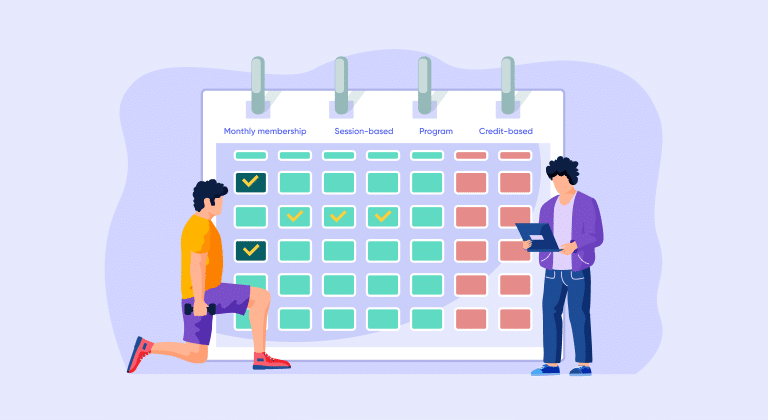
Are the most straightforward. A client buys a block of sessions (say, 10 or 20), uses them over a fixed period and either renews or moves on. These work well for clients who want something tangible and finite.
Monthly membership packages
Use recurring billing, so a set amount is charged weekly or monthly. In exchange, the client gets access to a defined service, whether that is a set number of sessions, unlimited group classes or ongoing coaching. This model creates more consistent revenue for you.
Program packages
Bundle a structured training program, and sometimes a nutrition plan or supporting files, into a single purchase. These are great for online coaches who want to sell a defined transformation experience, like a 12-week fat loss program or a race prep plan.
Credit-based packages
Work differently. Think of them as a top-up service. A client buys a bank of credits and uses them to book sessions or classes as needed. These are flexible and can be repurchased without any restrictions, which suits clients who have variable schedules.
Knowing which type fits your service model is the first decision to make.
3. How to decide what to include in a package
The goal is to package up the things that make your coaching genuinely valuable, without overcomplicating the offer. Here are some practical questions to work through:
What does a client need to get results?
If every client who succeeds with you also follows a nutrition plan, include it. If weekly check-ins are part of your process, factor that in. The package should reflect how you actually coach.
What is the time commitment on your side?
A package that includes unlimited messaging, custom meal plans, and three live sessions per week needs to be priced accordingly. Map out roughly how many hours each package tier requires from you.
Are you serving different client types?
Many coaches offer two or three tiers, for example a self-guided online option, a semi-coached option and a premium 1:1 option. Tiers make it easier for clients to self-select and help you scale without everything landing on your calendar.
Is this in-person, online, or hybrid?
In-person packages typically center around sessions. Online packages can be heavier on digital content like programs, check-ins and files. Hybrid packages combine both.
4. How to price your personal training packages
Pricing is where many coaches stall, either undercharging because they feel unsure, or overcomplicating things with too many options. Here is a straightforward approach:
Start with your desired monthly income and work backwards. If you want to earn $5,000 per month and can take on 20 active clients, your average package needs to bring in $250 per client. That gives you a baseline.
From there, factor in your experience, location, niche and what the market around you supports. A specialist coach working with post-natal clients or competitive athletes can typically charge more than a generalist. Online coaching also tends to operate at different price points than in-person.
A few things worth keeping in mind when structuring your pricing: longer commitments should offer better value per session or per month than short-term options, bundles should feel like a deal even if the margin is similar and free trials or intro offers can reduce the risk for new clients considering a higher-priced package.
Related article: How much to charge as a personal trainer
5. How to set up packages in My PT Hub
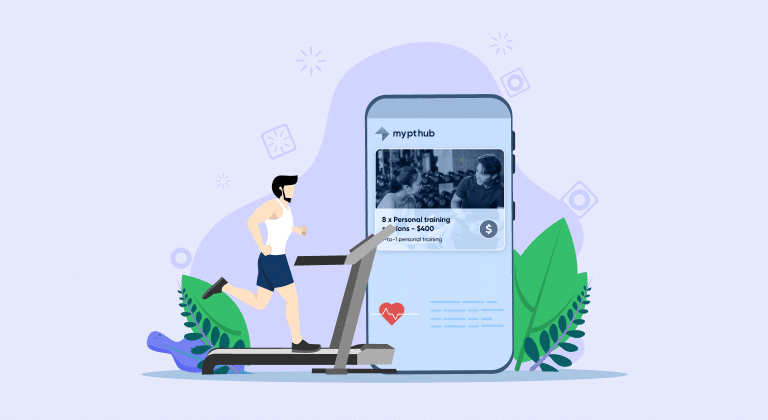
My PT Hub has a dedicated packages area that lets you build, manage and sell your packages all in one place. Here is how it works.
- Creating a package starts in the left-hand side menu of your My Hub page. Select Packages and then click “Create Package” at the bottom of the page. From there, you will work through four tabs.
- The Details tab is where you add the package name, description, and any other relevant information. Make this clear and client-facing, because this is what people will see when they are considering purchasing.
- The Assignments tab is where you add the content that comes with the package. This can include workouts, programs, nutrition plans and files. If you are packaging a structured program, you can add it here and either set a fixed start date or allow the client to choose a flexible start date.
- The Availability tab lets you control who can access the package. You can set it to public (visible to anyone), private (only accessible via a direct link), or invite only (you choose which clients or client groups can see it). You can also set start and end dates for when the package is available, which is useful for time-limited offers or seasonal programs.
- The Pricing tab is where you set the cost, choose between a one-off payment or a recurring payment (weekly or monthly), and decide whether the package expires. You can also limit the total number of sales here if you want to cap enrollment, for example on a cohort-based program.
Once all required fields are filled in, the “Create package” button activates and you can save it.
A note on personal vs. company packages: If you are the only trainer in your account, you only need personal packages. The company account option becomes relevant when you have additional trainers on your account. Under personal packages, you can sell workouts, programs, nutrition plans, and files. Under company packages, you can sell sessions and credits, but no digital assignments.
6. Setting up payments with Stripe
To take paid package payments through My PT Hub, you need to connect a Stripe account. You can create packages without Stripe and set them to free, but for paid packages the Stripe connection is required.
To set this up, go to the Packages area and head to the ‘Pricing’ tab on any package. From there you can activate payment processing and follow the steps to either create a new Stripe account or connect an existing one. Once connected, your Stripe account will pull through payment data into the Financials section of your My PT Hub account.
My PT Hub supports a range of payment methods through Stripe, including Apple Pay & Google Pay.
If you have additional trainers on your account, you can either enable each trainer to connect their own Stripe account under the personal packages setup, or you can all use the same Stripe account. If you go the shared route, all payment data will show in each trainer’s Financials area, so it is worth factoring that into how you want to manage things.
7. Managing availability and selling your packages
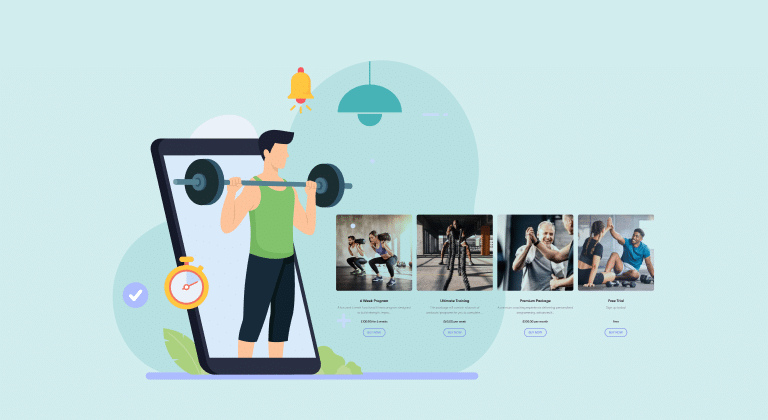
Once your package is live, you need a way to get it in front of clients. My PT Hub gives you a few options.
- Clients can view and purchase any publicly available packages from the Marketplace tab inside their account.
- You can share a direct link to any package by clicking the three dots next to it in your packages list and copying the share link. Send this link to clients via email, text, or your social media channels and they can purchase directly.
- If you use My PT Hub’s MySite feature (the built-in marketing website tool, found in the Marketing section), you can display your packages there and let clients browse and buy without needing to email you first. This is worth setting up if you are running an online coaching business or want to reduce back-and-forth admin.
- For group-based programs or monthly challenges, you can use client groups alongside packages. When a client purchases a package, they can be automatically added to a client group, meaning you can push new workouts or content to everyone in the group at once. Head to the Contacts section, select ‘Client Groups’, and manage assignments from there.
8. Using discount vouchers and credit packages
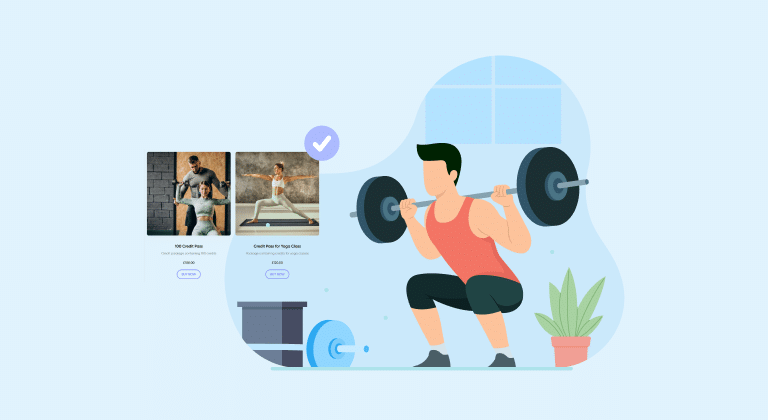
Discount vouchers
Are a useful tool for running promotions or rewarding loyal clients. In My PT Hub, you can create voucher codes with either a one-time discount (applied only to the first payment of a recurring package) or a “forever” discount (applied to every payment for the life of that recurring package). To create one, go to the Packages > Vouchers.
Credit packages
Work differently from regular packages and are worth understanding if you offer pay-as-you-go style booking. A credit package does not expire and does not recur automatically. Instead, a client buys a set number of credits, which stay in their account until used. They can repurchase the credit package as many times as they need without any restrictions. This makes it a flexible option for clients who want to book classes without committing to a fixed monthly fee.
You can also add unlimited credits to a regular package on a recurring billing cycle. This effectively creates a membership where, as long as the client is paying, they can access the events you have linked to those credits. This is a solid structure for group training memberships.
9. Tips for selling your packages effectively
Setting up a package in your software is only half the job. Here is how to make sure clients actually buy.
Keep your offer simple.
Two to four clearly defined packages will outperform a complex menu of ten every time. Clients should be able to look at your options and quickly understand what they are getting and which one is right for them.
Lead with outcomes, not features.
“12-week transformation program with weekly check-ins, custom workouts, and nutrition guidance” is better than a bulleted list of deliverables with no context. Tell clients what they will achieve, then explain what is included.
Use the availability settings strategically.
Limiting enrollment on a package (for example, capping a group program at 10 people) creates genuine scarcity and encourages faster decisions. My PT Hub lets you set a maximum number of sales per package.
Make it easy to buy.
Share your package link directly, have it visible on your MySite page, and mention it in onboarding conversations with new clients. The fewer clicks between interest and purchase, the better.
Review your packages regularly.
What you offered in your first year of coaching may not reflect what you deliver now. Revisit your packages every few months and make sure the pricing, content, and structure still make sense for where your business is.